
How to update /e/OS
EditOpen the updater app
Settings>System>Advanced>Updater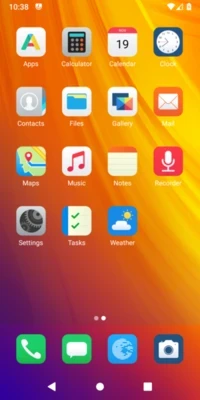
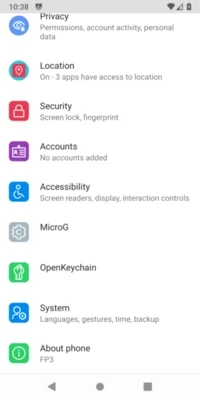
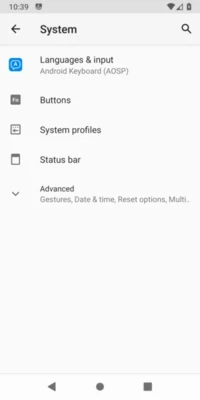
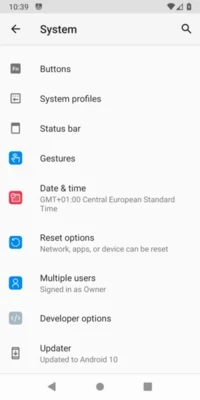
On the last available update, tap on
Download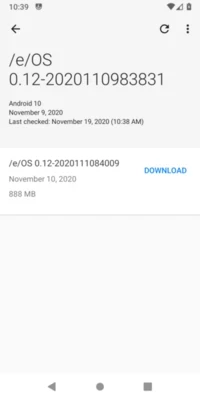
If no update available, tap the refresh button on top right
The Updater download the necessary file. If you are on LTE, a warning popup ask you if you prefer to switch to Wifi
Once downloaded, tap on
Install. Tap onOKto start the installation.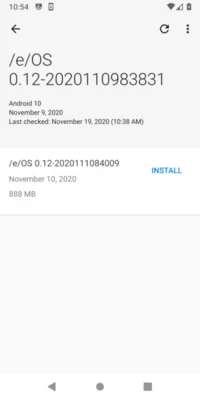
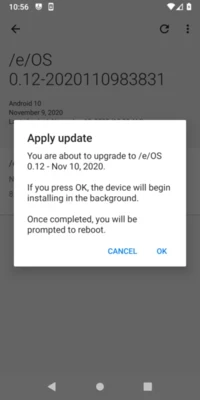
The Install process starts. It may take a long time
Once finished, reboot your device.
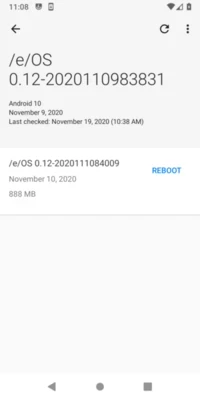
The device reboots. Update applied! 👏