
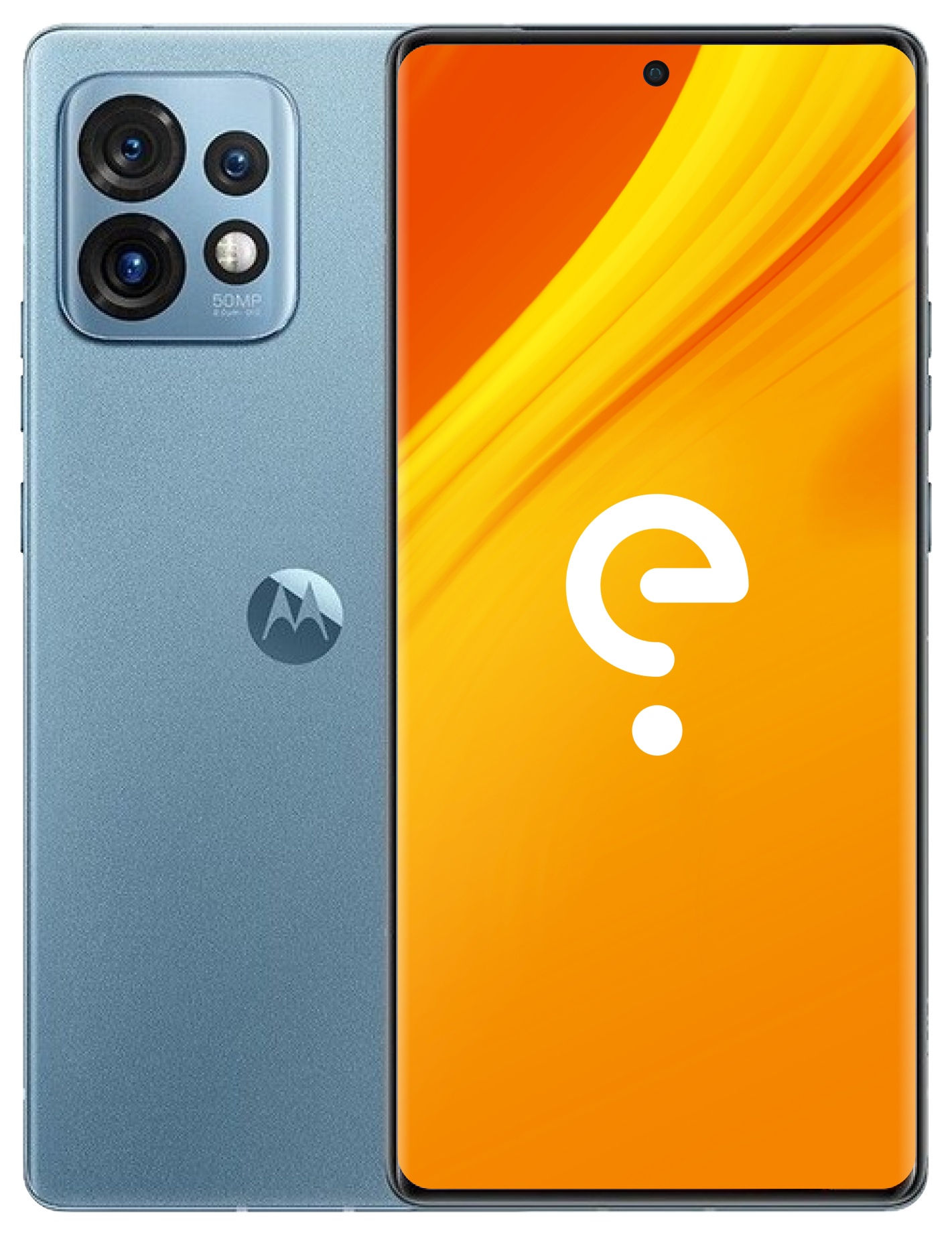
Motorola rtwo
Guides
Boot Modes
Recovery
With the device powered off - hold Volume Down + Power, then select "Recovery mode" using Volume keys.
Download
With the device powered off - hold Volume Down + Power
Support the project
Usability
edge 40 pro
Apps Compatibility
Device details
1 x 3.36 GHz + 4 x 2.8 GHz + 3 x 2.0 GHz
- 2G bands: GSM
- 2G bands: CDMA
- 3G bands: UMTS
- 4G bands: LTE
- 5G bands: NR
1080x2400 (165 PPI)
AMOLED (max Hz)
- A-GPS
- Accelerometer
- Compass
- Dual speakers
- Dual SIM
- Fingerprint reader
- BeiDou
- Galileo
- GLONASS
- GPS
- QZSS
- Gyroscope
- Light sensor
- NFC
- Pedometer
- Proximity sensor
- Sensor hub
- USB OTG
- 50 MP (Primary), Dual LED flash
- 50 MP (ultrawide), Dual LED flash
- 12 MP (telephoto), Dual LED flash
- 32 MP (Front Facing), None flash
74 (w)
8.6 (d)
/e/OS Information
- /e/OS Build Team
- A16 (community)
- XT2301-4
Disclaimer: We cannot guarantee that all
the device specific information on this page is 100 % up to date or accurate.
Read more.