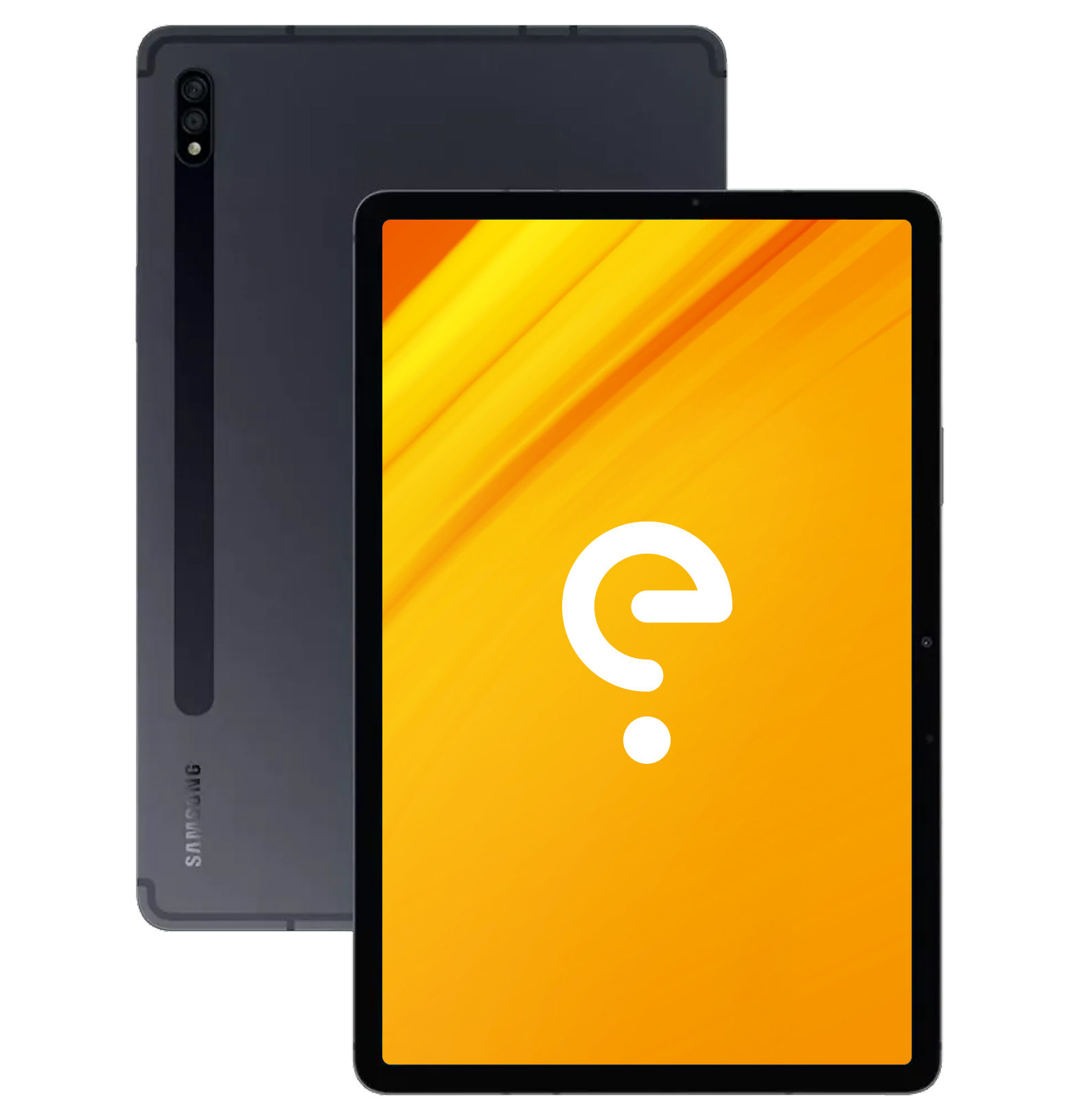
Samsung gts7l Community

Guides

Command line

For advanced users, installing /e/OS with Android platform tools.

Install
Build

Build /e/OS for yourself with your own settings.

Build

Boot Modes

Recovery

With the device powered off - hold Volume Up + Power.

Download

With the device powered off - With USB plugged in, hold Volume up + Volume Down + Power

Support the project

Usability

Known issue(s) 0

Galaxy Tab S7 (LTE)

gts7l

Apps Compatibility

Bootloader
not lockable
Build Variant
userdebug
Play integrity
basic (to be confirmed)
Release Type
community

Device details

Release
2020
SoC
Qualcomm SM8250-AB Snapdragon 865+
RAM
6/8 GB
CPU
Octa-core Kryo 585
1 x 3.1 GHz + 3 x 2.42 GHz + 4 x 1.8 GHz
Architecture
arm64
GPU
Qualcomm Adreno 650
Network
  • 2G bands: GSM
  • 3G bands: UMTS
  • 4G bands: LTE
Storage
128/256/512 GB
SD card
512 GB
Screen
11 in
1600x2560 ( PPI)
TFT LCD (max Hz)
Device Tree
android_device_samsung_gts7l
Bluetooth
5 with A2DP
Wi-Fi
802.11 a/b/g/n/ac/ax
Peripherals
  • Accelerometer
  • Compass
  • Fingerprint reader
  • GPS
  • Gyroscope
Camera(s)
No of Cameras: 3
  • 13 MP, None flash
  • 5 MP (ultrawide), None flash
  • 8 MP, None flash
Dimensions
253.8 (h)
165.3 (w)
6.3 (d)
Battery
Non-removable Li-Po 8000 mAh

/e/OS Information

Maintainers
  • /e/OS Build Team
Build versions
  • A16 (community)
Models Supported
Models:
  • SM-T875
Other models are not supported
Disclaimer: We cannot guarantee that all the device specific information on this page is 100 % up to date or accurate. Read more.